
Quick Demo
Quick demo of the widget in action - see how easy it is to integrate real-time transcription into your application.
Features
- Real-time streaming transcription
- Built-in microphone handling
- Automatic voice activity detection
- Customizable appearance
- Mobile-responsive design
- Support for multiple languages and African accents
- Auto-insert summaries into your application
- JSON schema output support
Installation
Install the widget package from NPM:Complete Example (for plain HTML):
Usage steps
Initialize,authenticate and connect
Once the widget is set up, launch it in your application interface. Click the “Speak” button to initialize the widget and grant microphone access when prompted.
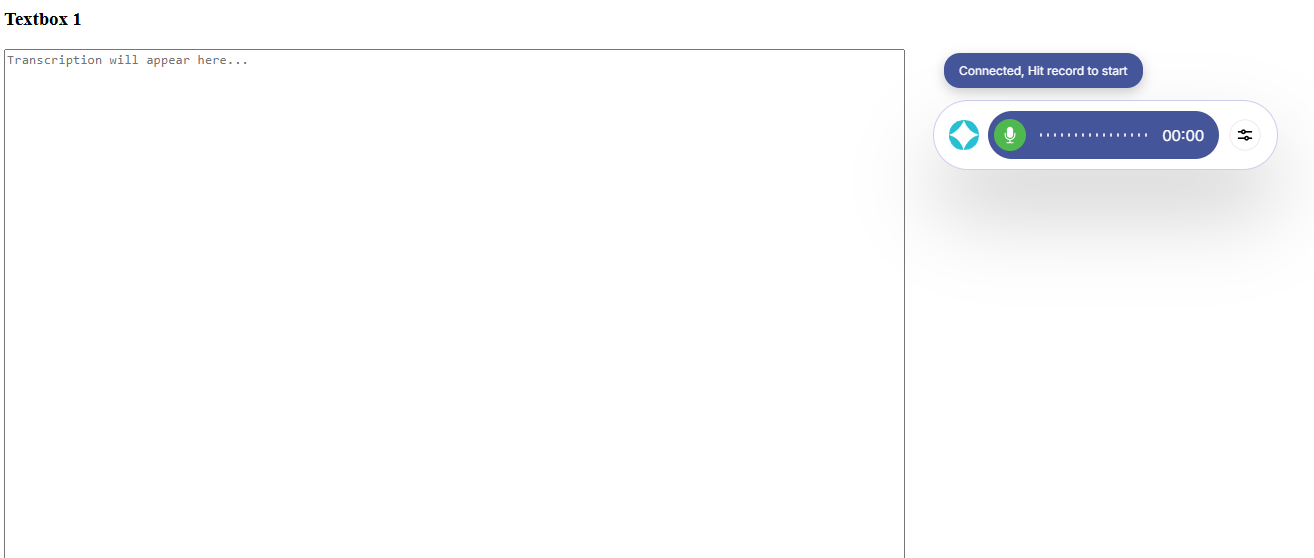
After initialization, you can begin recording your speech.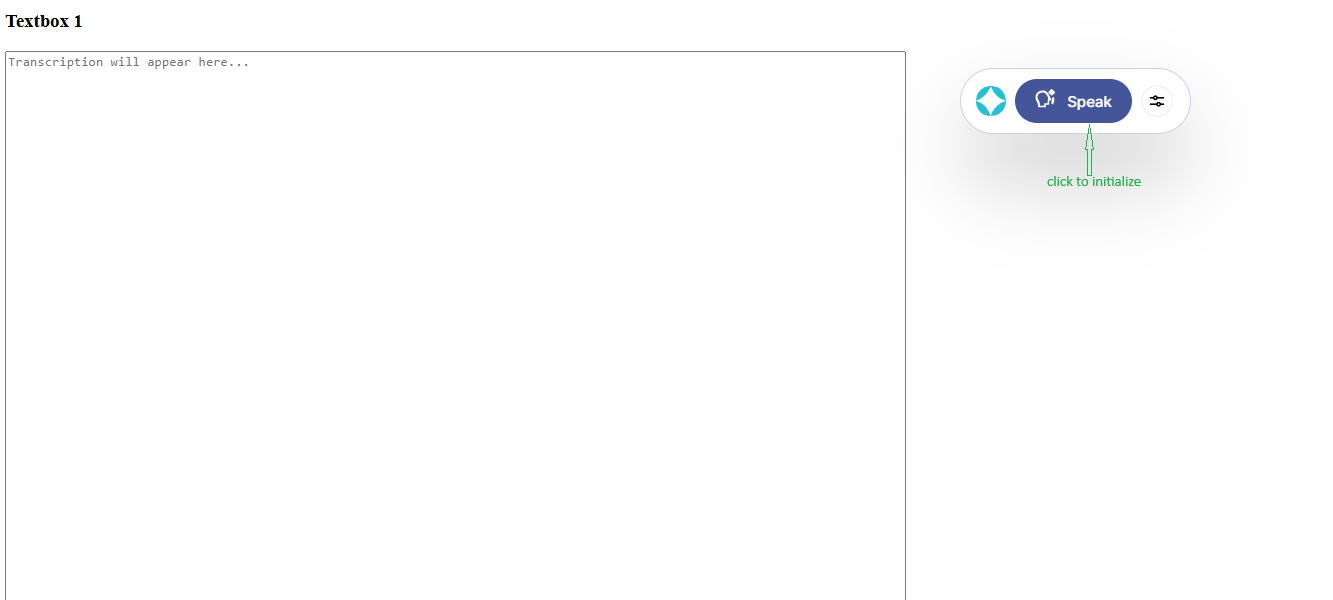
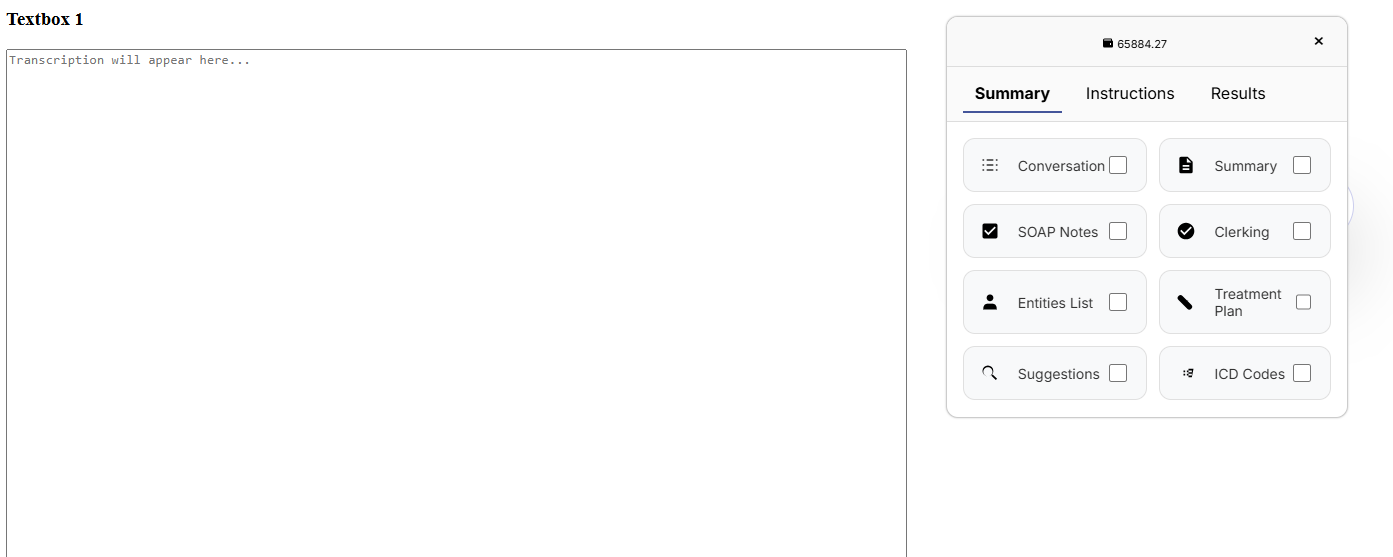
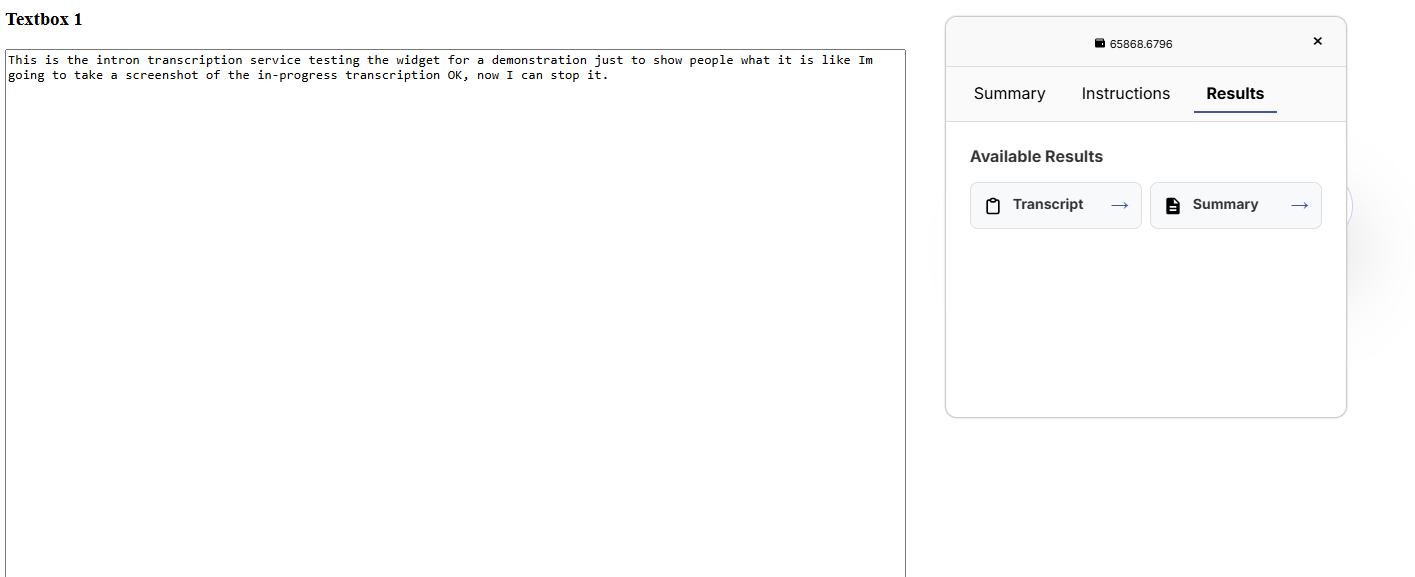
Summaries menu
The widget also allows you to choose the type of summary you want for your transcription—simply select your preferred summary option before recording to customize the output.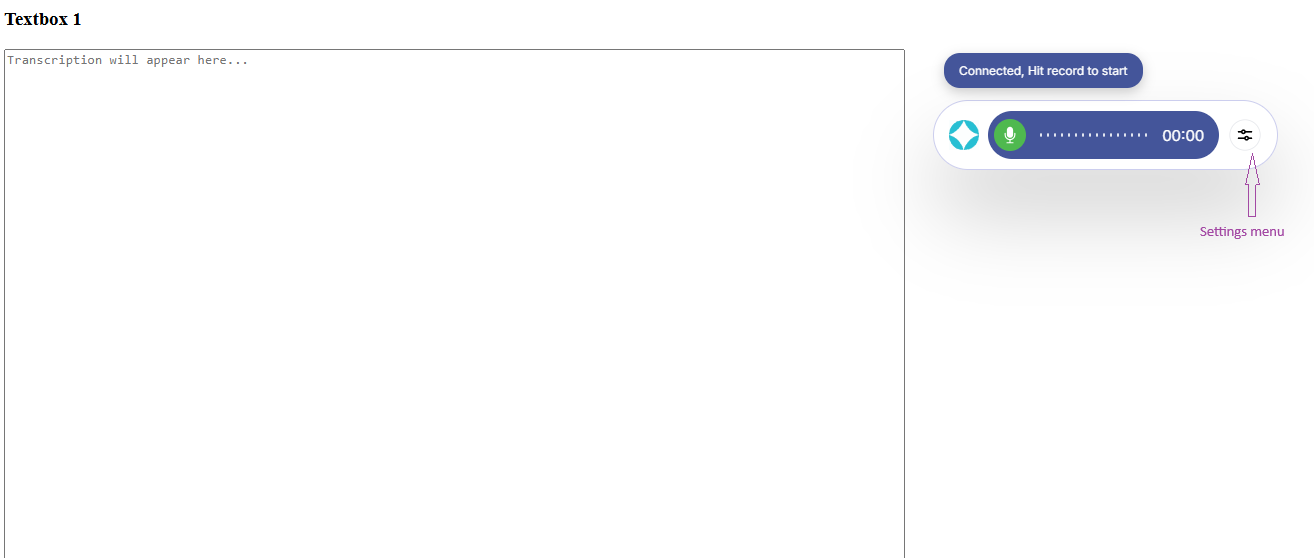
Transcription
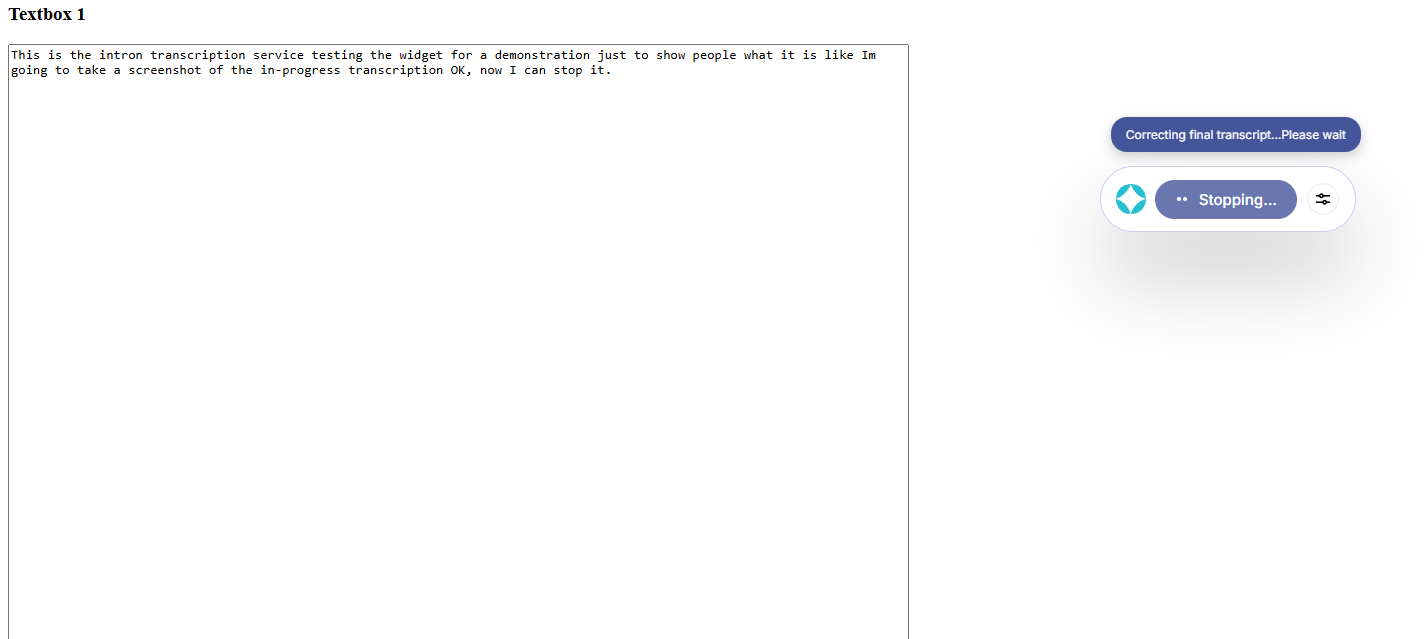
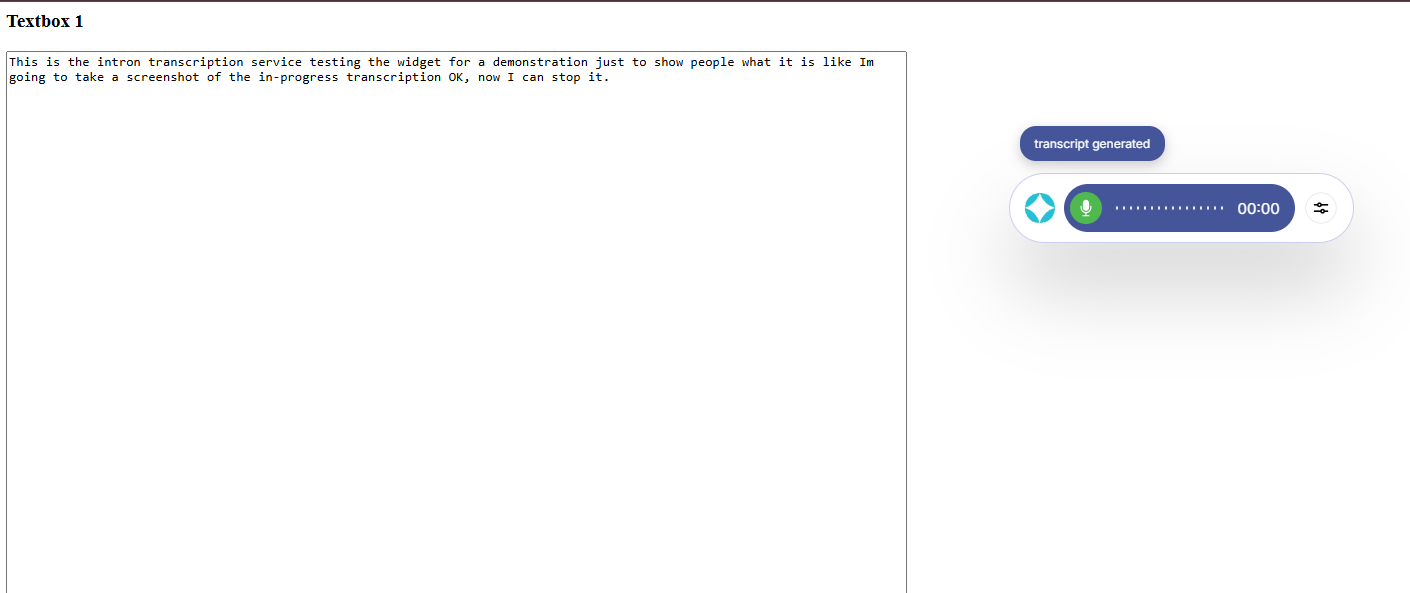
Press the record button to start capturing your speech. As you speak, the widget transcribes your words in real time. When you’re done, click the stop button. The widget will process your audio and generate a transcript, which is returned in a structured JSON format. This output includes the full transcribed text as well as any summaries or post-processing options you selected, making it easy to integrate the results into your application.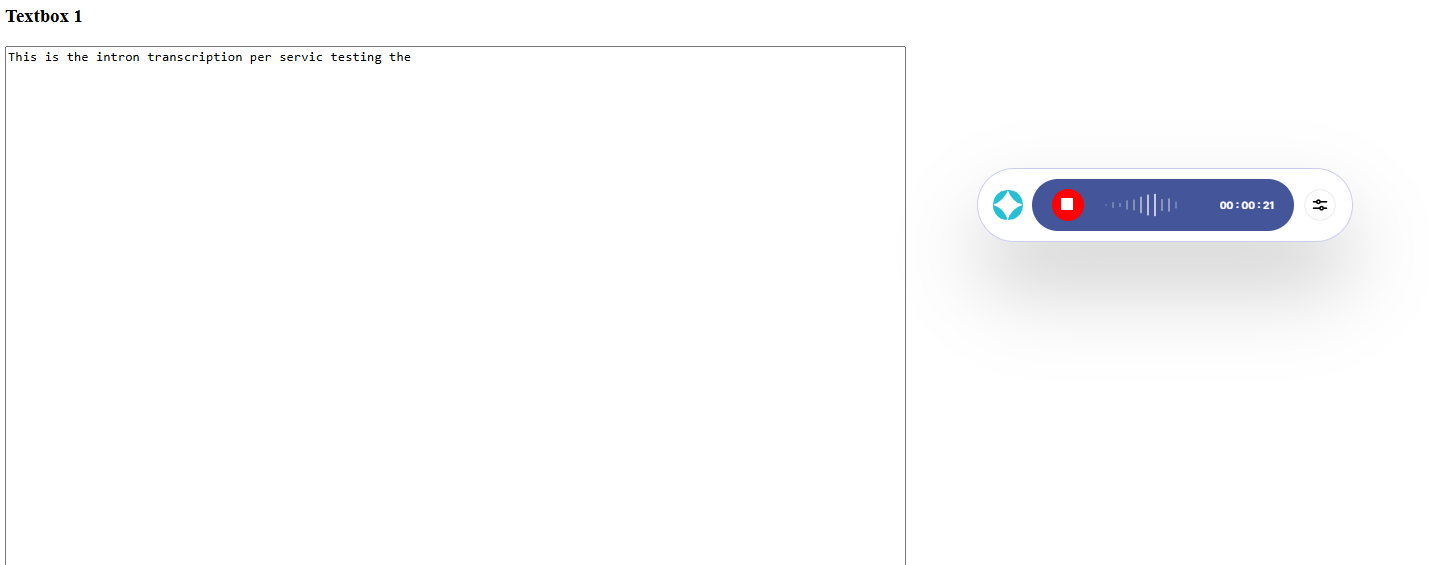
Browser Support
| Browser | Minimum Version |
|---|---|
| Chrome | 60+ |
| Firefox | 55+ |
| Safari | 11+ |
| Edge | 79+ |
Troubleshooting
Microphone not working
Microphone not working
Ensure your page is served over HTTPS and that the user has granted microphone permissions.
No transcription output
No transcription output
Check the browser console for errors. Verify your API key is correct and has the necessary permissions.
Widget not rendering
Widget not rendering
Ensure the container element exists in the DOM before calling
IntronWidget.init().